
STEM course and learning-kit development
Solution for STEM Education Brands & Course Providers
Connect your lesson sequence to products that can carry out the intended tasks. YSGO works with STEM education brands and course providers on product selection, kit configurations and feasible content or product adaptations for branded learning programs.
Define the learning task
Match the activity to the product system
Translate the lesson idea into concrete operations and materials before selecting a kit.
List the actions the product must support
Identify what learners will connect, build, select or test, and what feedback they need to observe. Map those actions to actual product functions; flag any required action that the existing model does not support.
Separate existing features from proposed development
Describe required modules, printed material, audio, instructions and packaging. Review content changes and technical changes separately, including compatibility with any equipment your course already uses.
Select the materials
Product directions for course-kit planning
Choose the product role within a lesson; the course sequence remains a separate design and review task.
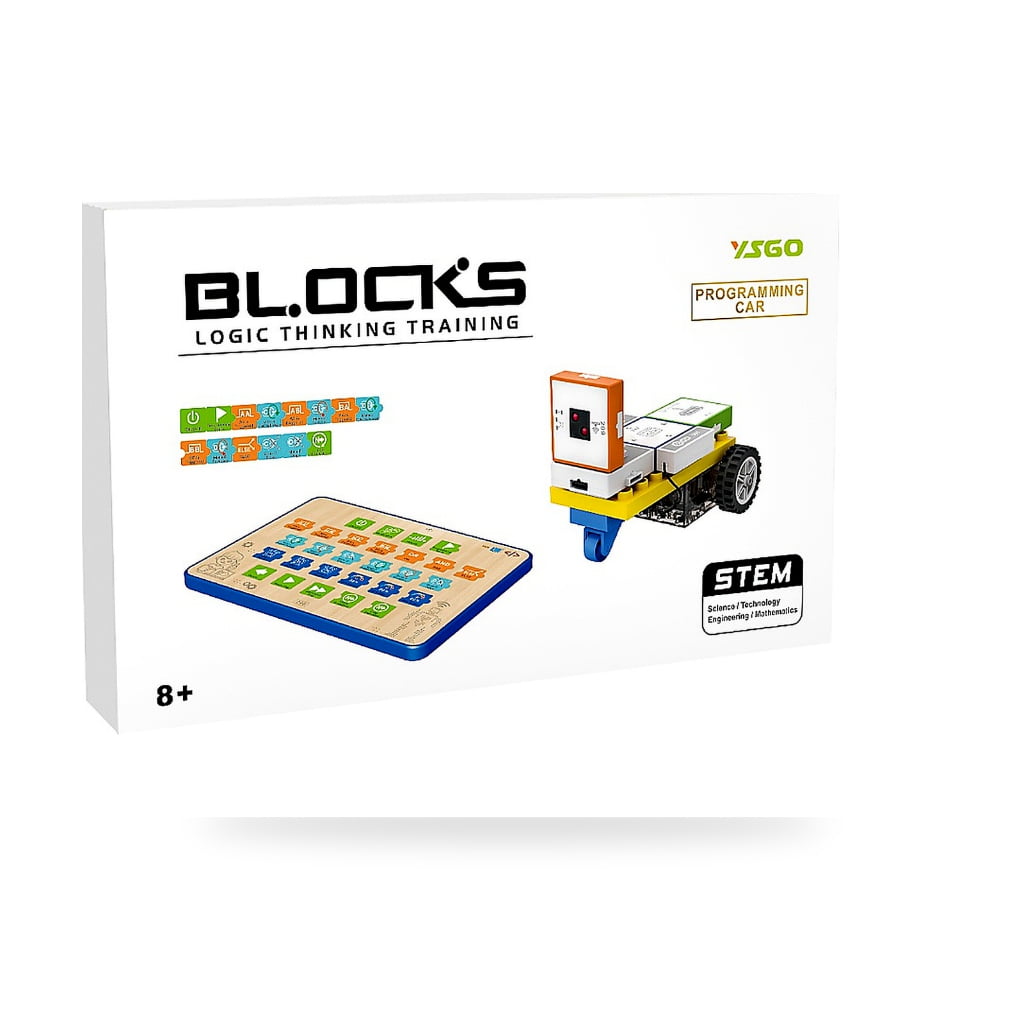
STEM blocks for assembly and testing
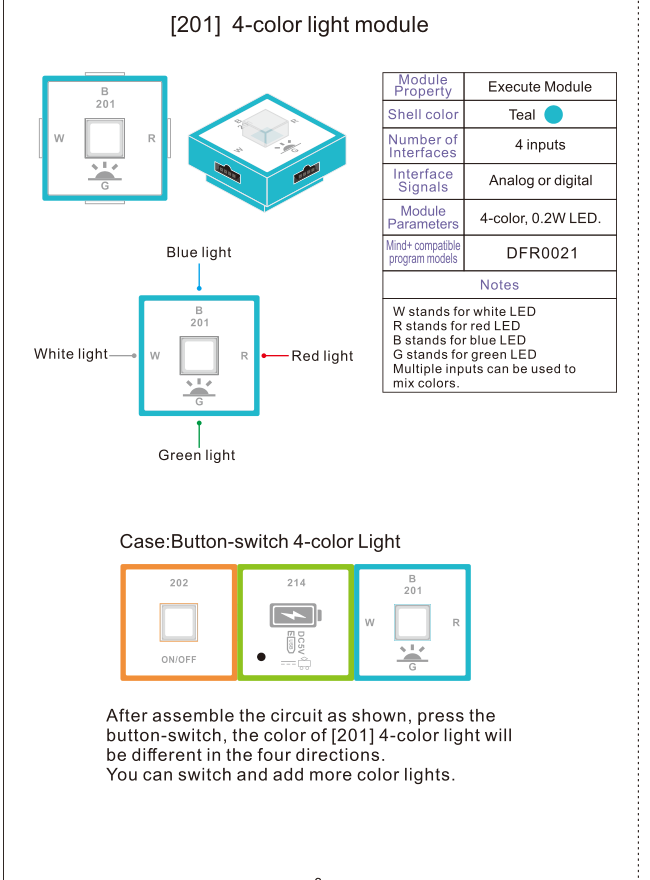
Compare circuit and module-based sets against your activities and required parts. Check companion-set dependencies: for example, standard YS2965B does not include Blocks 9656.
Compare STEM product directions →Y-Card for topic and quiz activities
Consider a player when questions and topic review have a defined place in the session. Confirm the model's content format and response method before adapting questions, artwork or language.
Review Y-Card formats →Y-Pen for paired print and audio
Consider point-and-learn interaction for compatible printed activities. Assess the pen, content and audio as a matched set; ordinary worksheets cannot be assumed to work with the selected pen.
Review Y-Pen systems →
Pilot and confirm
Establish a repeatable kit and lesson reference
Review how the sample supports your session before expanding the program or placing repeat orders.
Provide a lesson and kit brief
Share the learner range, activity sequence, intended observations and current materials. Include candidate models, required components, language, estimated kit quantity, destination and proposed changes.
Discuss kit and content adaptation →Run an instructor-led pilot
Use the sample to check instructions, activity timing, expected product responses and reset steps. Record product issues separately from gaps in the lesson explanation, then review the necessary changes.
Confirm the kit and content versions
Agree the component list, printed materials, audio, instructions and packaging to be supplied. Record the approved sample and any required checks; review later changes against the same reference.
Review sample and product checks →
Questions before you start
Are STEM logic products open-code platforms?
Do not assume that from the STEM label. Card or module logic is different from open-code programming. Confirm the selected model's control method and any required software or external-device interface separately.
Does choosing a kit confirm curriculum alignment?
No. Product selection and possible adaptations can be discussed with YSGO. Your course team still needs to review the lesson sequence, teaching instructions and sample trial against its own requirements.
Discuss the product needs of your course
Share the lesson task, candidate products and changes you need so the discussion starts with a clear kit specification.